Rently
Rently - Sleek Real Estate Template
Free
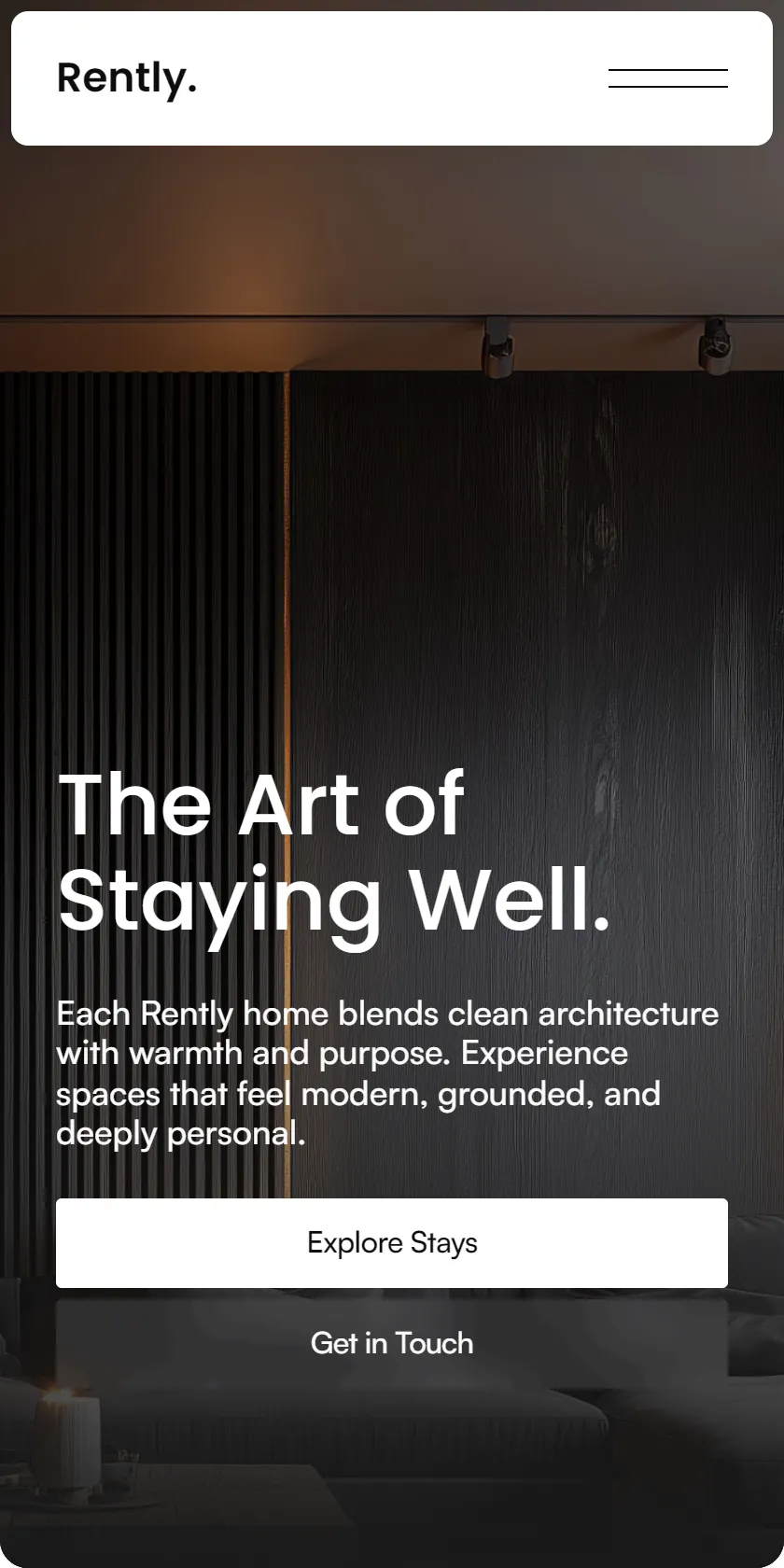
Rently is a premium real estate and hospitality template built in Framer, crafted for property managers, boutique agencies, and hosts who want to showcase exceptional stays through design, storytelling, and seamless presentation.
Categories



About this template
Unlike standard booking platforms, Rently focuses on curation, not clutter. It’s built for those who value experience over quantity — presenting each property as a piece of architecture, emotion, and atmosphere.
Rently replicates the full structure of a modern booking platform — property listings, location-based collections, amenities, search and filter features, detailed property pages, and agent profiles — but with a focus on aesthetics and storytelling.
Every listing integrates seamlessly with external booking services like Airbnb or Booking.com through clean, intuitive call-to-actions, allowing Rently to act as a presentation-first platform — your brand’s editorial home for hospitality.
How to add more Locations and Agents/Team members, Stays/Properties and Experiences related to these new added Locations
1. Adding a New Location
Each Location in Rently represents a primary destination — such as a city or region — where properties, experiences, and team members are connected.Locations act as central CMS references, meaning other collections (like Team, Properties, and Experiences) link to them through reference fields. The Location collection itself doesn’t reference any other content, making it the core organizational layer for filtering and grouping across the website.
Steps to Add a New Location:
Open the CMS Panel
Go to CMS → Location and click “New Item”.
Add Basic Information
Title → Enter the city and country (e.g., Paris, France).
Slug → Generated automatically based on the title.
Image → Upload a representative header image.
Content Fields
Location Title → A short, poetic or descriptive phrase (e.g., The Poetry of Everyday Spaces).
Location Description → One short paragraph describing the essence of the location — its atmosphere, style, and architectural character.
2. Adding a New Team Member
Each Team Member represents a curator, architect, or manager associated with one or more Rently locations. These profiles appear on the About or Team pages and can be linked to properties or regions through CMS references.
Steps to Add a New Team Member:
Open the CMS Panel
Go to CMS → Team and click “New Item.”
Add Basic Information
Title → Enter the full name of the team member (e.g., Chloé Carambeau).
Slug → Automatically generated based on the name.
Image → Upload a professional portrait.
Define the Role
Role → Specify the position (e.g., Curator, Architect, Partner, Hospitality Manager).
Link the Location
Location → Select one of the existing locations from the dropdown list (e.g., Paris, France).
This field connects the team member to their active region or city within the Rently ecosystem.
Additional Fields
Phone / Email → Add direct contact information.
Description / Bio → Include a short narrative about their background, philosophy, or approach to design and hospitality.
3. Adding a New Stay/Property
Each Stay/Property represents a curated home or villa available on Rently. Properties are linked to their Location, Contact Person (Curator), Amenities, and Categories, ensuring consistent filtering and presentation across the site.
Steps to Add a New Property:
Open the CMS Panel
Navigate to CMS → Properties and click “New Item.”
Add Basic Information
Title → Enter the name of the property (e.g., Atelier Lumière).
Slug → Generated automatically based on the title.
Featured → Toggle Yes if this property should appear on the homepage or featured collections.
Short Description → Write a one-line summary that captures the stay’s character and location (e.g., A restored artist’s atelier near Canal Saint-Martin, blending Parisian charm with modern serenity.).
Assign Location and Contact Person
Location → Select the relevant location from the dropdown (e.g., Paris, France).
Contact Person → Choose the curator or manager linked to this property (from the Team collection).
Add Visual Content
Cover Image → Upload a high-quality horizontal image.
Gallery Images → Add supporting visuals that highlight the architecture, design, and atmosphere.
Detailed Property Information
Price per Night → Add the standard or average nightly rate.
Surface / Guests / Bedrooms / Bathrooms → Fill in each specification accurately.
Amenities → Select multiple amenities from the Amenities collection (e.g., Wi-Fi, Pool, Terrace, Air Conditioning).
Property Type → Choose from predefined options or add new if needed (in Property Type CMS Collection e.g., Villa, Apartment, Loft).
Categories → Assign property tags such as Modern, Minimalist, Countryside Retreat, City Stay etc.
Full Description
Write a paragraph describing the stay — focus on atmosphere, materials, light, and unique experiences.
Example: Atelier Lumière combines Parisian artistry with refined comfort. Original beams and soft linen tones meet sculptural furnishings, forming a dialogue between heritage and modern design.
4. Adding a New Experience (Parks, Restaurants etc.)
Each Experience represents a curated local highlight — from cafés and restaurants to galleries and landmarks. Experiences are tied to their Location and categorized by type, allowing visitors to explore authentic moments around each destination.
Steps to Add a New Experience:
Open the CMS Panel
Navigate to CMS → Experiences and click “New Item.”
Add Basic Information
Title → Enter the name of the experience (e.g., Café Marée).
Slug → Automatically generated from the title.
Location → Select the city or region this experience belongs to (e.g., Paris, France).
Categorize the Experience
Category → Choose one or more relevant types (e.g., Restaurant, Café, Museum, Market, Park).
These categories help organize and filter experiences throughout the site.
Content Details
Subtitle → A short line summarizing the essence or atmosphere (e.g., Seaside calm in the heart of Paris — a café where design, light, and flavor flow in harmony.).
Address → Full address including city and postal code.
Hours → Add open days and times (e.g., Tuesday – Sunday: 8:00 AM – 7:00 PM).
Price Range → Approximate cost indicator (e.g., €€).
Full Description
Write a short paragraph describing the experience — focus on the sensory and cultural details that define it.
Example: Café Marée embodies the calm sophistication of Parisian mornings. Neutral tones, natural light, and quiet design create an atmosphere where time slows, and every cup feels intentional.
Add Images
Upload high-quality images that reflect the experience’s setting and ambiance.
Included Pages
- Home
- Location
- Properties
- Property Page
- About
- Experiences
- Experience Page
- Contact
- Legal
- 404
More from Cristian Mielu
View all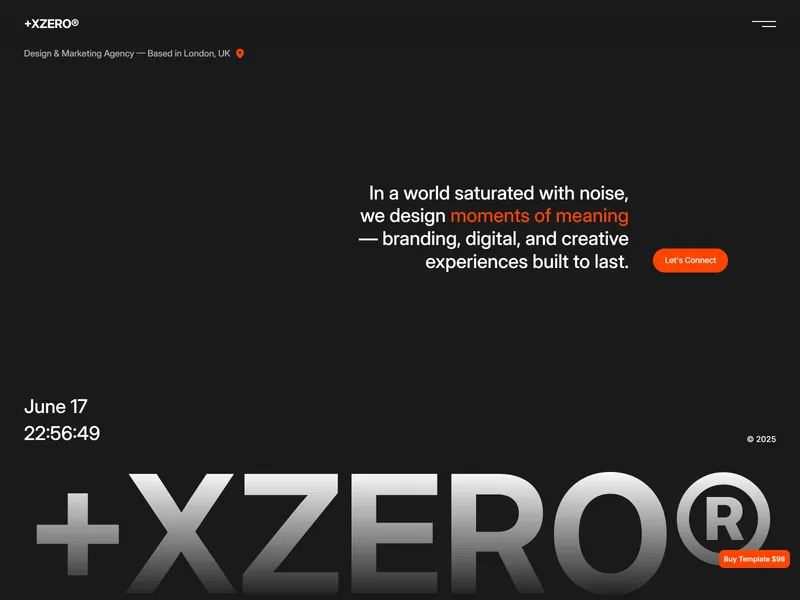
Xzero
Transform your creative vision into reality with +XZERO®, a premium and versatile Framer template crafted for design-forward agencies, studios, and makers.

Wanted
Introducing Wanted: Your Creative Ally. In the design realm, Wanted steps up as your reliable partner, enriching your artistic journey. Explore a four-page template featuring Home, Acts Committed Pages (CMS), 404, and Licensing.
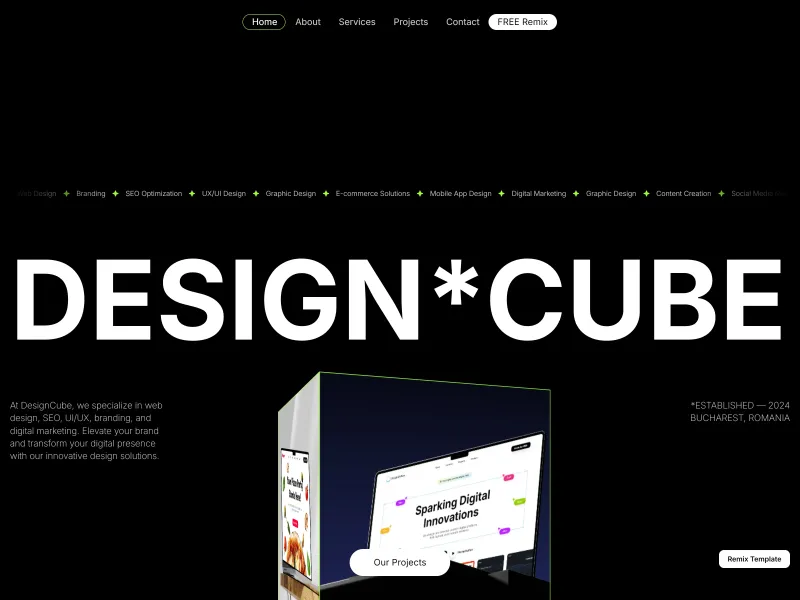
DesignCube
Designed for agencies, portfolios, and personal brands, DesignCube seamlessly blends minimalist aesthetics with dynamic animations.
More Real Estate Templates
View all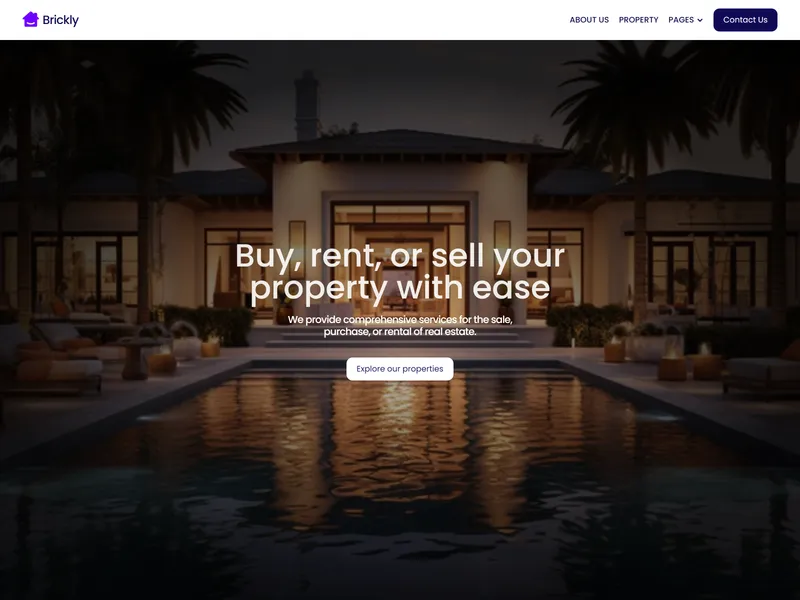
Brickly
Brickly is a professional real estate website template designed to help agents and property firms showcase listings, and services. It features a modern, responsive design tailored for optimal user experience.
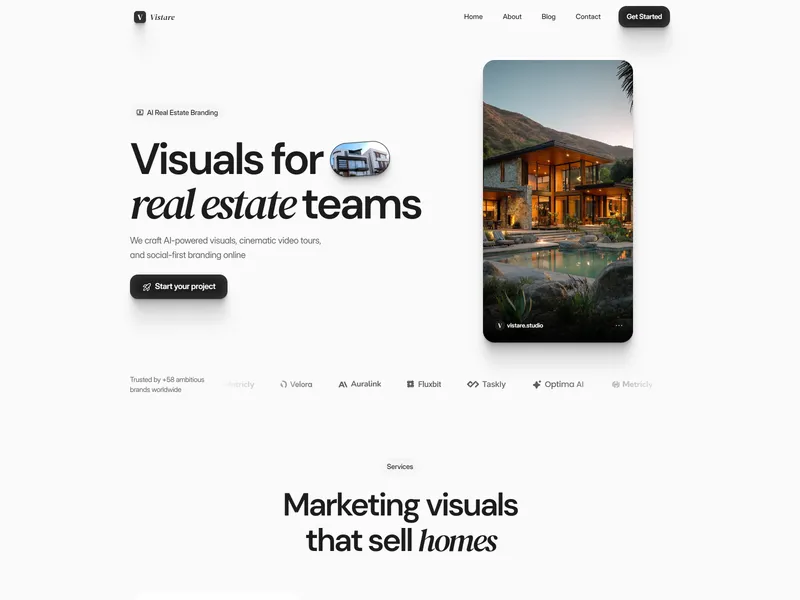
Vistare
Vistare is a premium template crafted for real estate teams and agencies. Showcase cinematic video tours, social-first branding, and luxury visuals designed to sell properties faster.
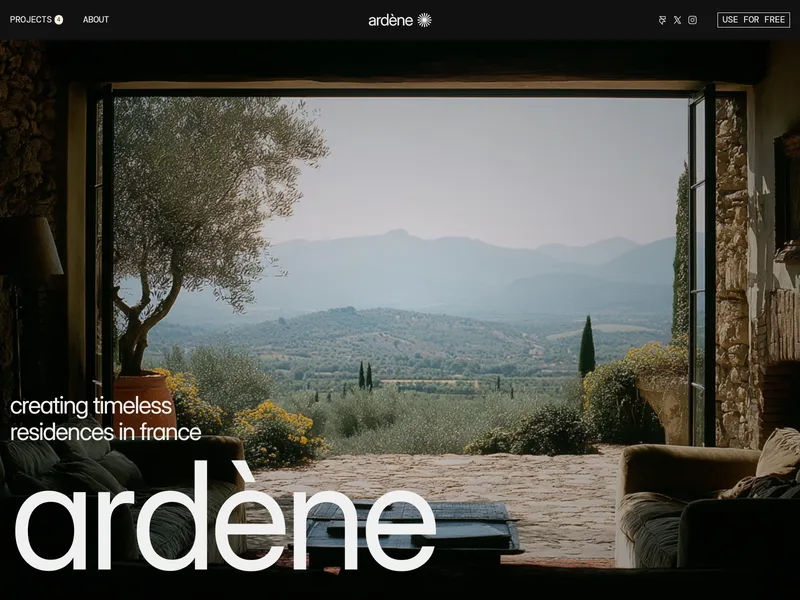
Ardène
The Ardène Framer template is designed for real estate agencies, architects, and developers. Its minimal editorial style highlights properties and projects, making it ideal for real estate, property management, and luxury rentals.
More Travel Templates
View all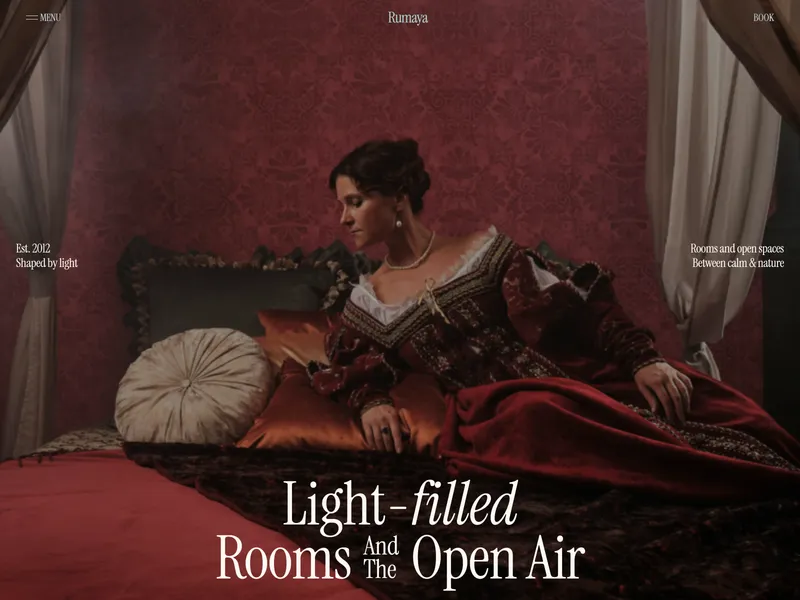
Rumaya
Rumaya is a Framer template for boutique hotels, resorts & private retreats. 18 pages - suites, dining, wellness, gatherings & more. Calm layouts, warm tones, and editorial design that turns visitors into guests. Includes Loom video guide and email support.
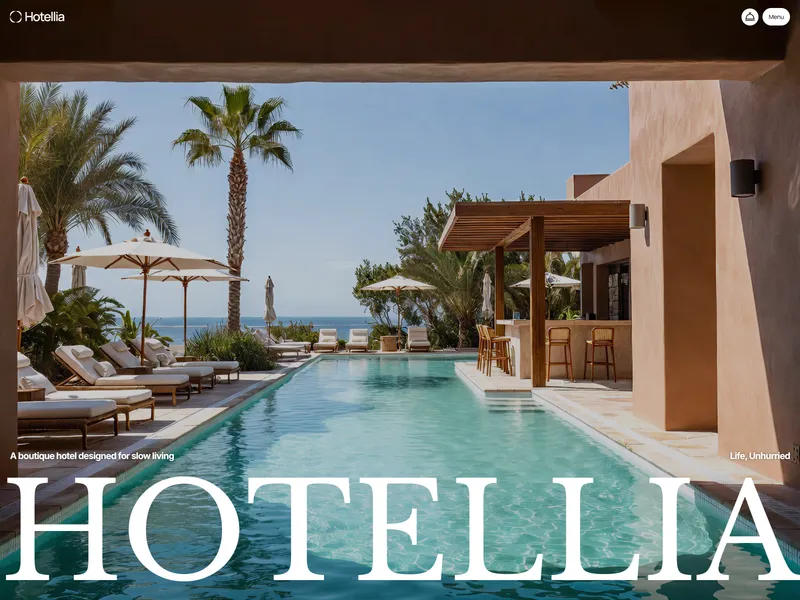
Hotellia
A refined, fully responsive website template for boutique hotels, resorts, and luxury hospitality brands.
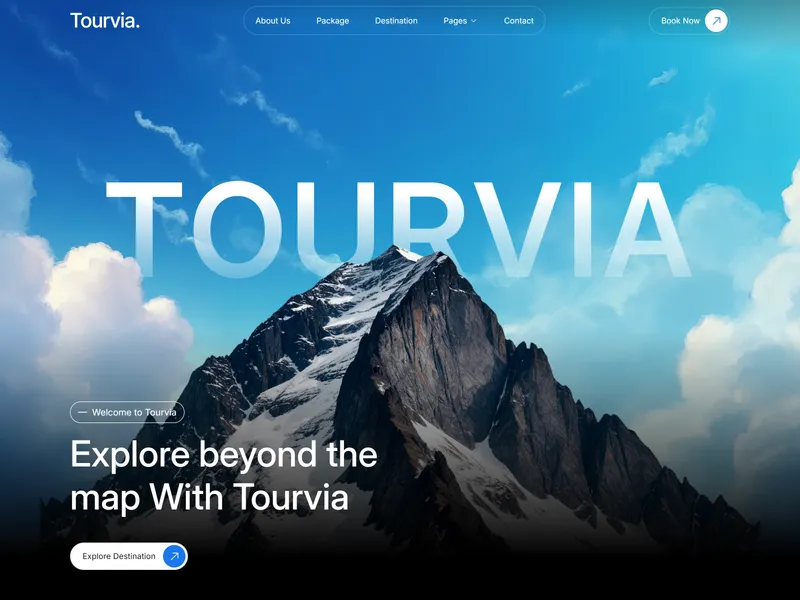
Tourvia
Tourvia is made for luxury adventure and expedition travel agencies. Built for cinematic storytelling, authority, and high-value client inquiries, it helps brands showcase remote expeditions, safety standards, and curated journeys with elegance.
More Luxury Templates
View all Ardène
The Ardène Framer template is designed for real estate agencies, architects, and developers. Its minimal editorial style highlights properties and projects, making it ideal for real estate, property management, and luxury rentals.
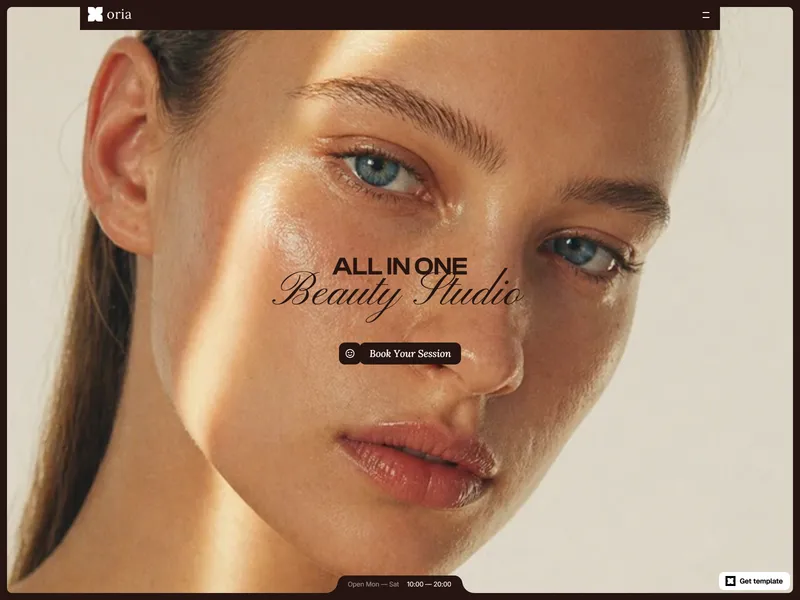
Oria
Oria is a premium Framer template designed for beauty professionals—nail studios, brow bars, skincare clinics or massage practices—to elegantly showcase services and build trust through refined layouts, interactive elements and a flexible CMS structure.
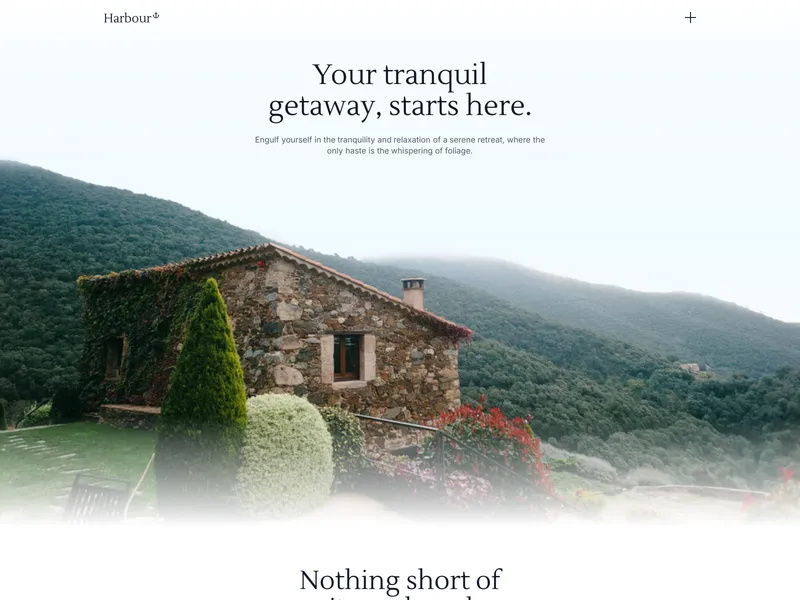
Harbour
The Habour Framer template is perfect for luxury hotels, real estate and BnB's who need an elegant, high-converting website to showcase properties and captivate their audience.
More Architecture Templates
View all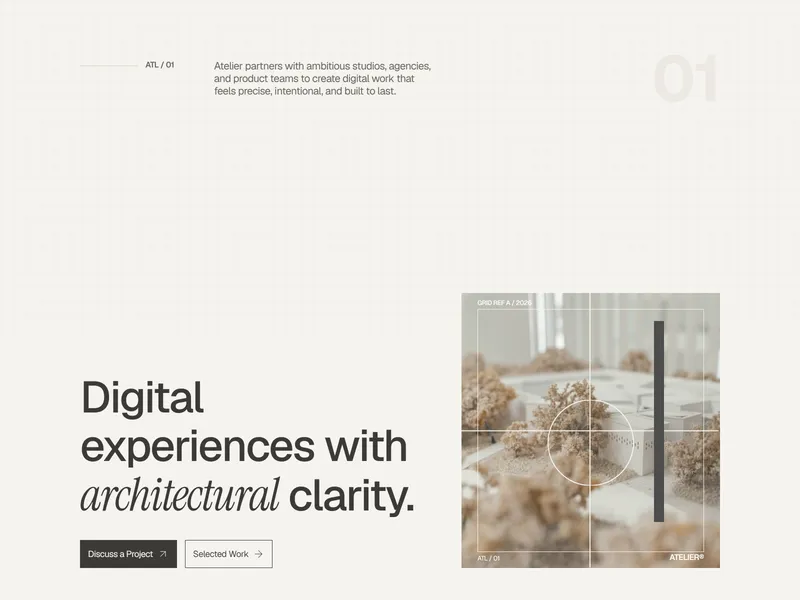
AtelierOS
Atelier is a Framer template tailored for creative studios, designers, architects, and agencies seeking an editorial-style portfolio. It organizes projects, narratives, and studio information into a refined archive structure that emphasizes clarity, content hierarchy, and understated design.
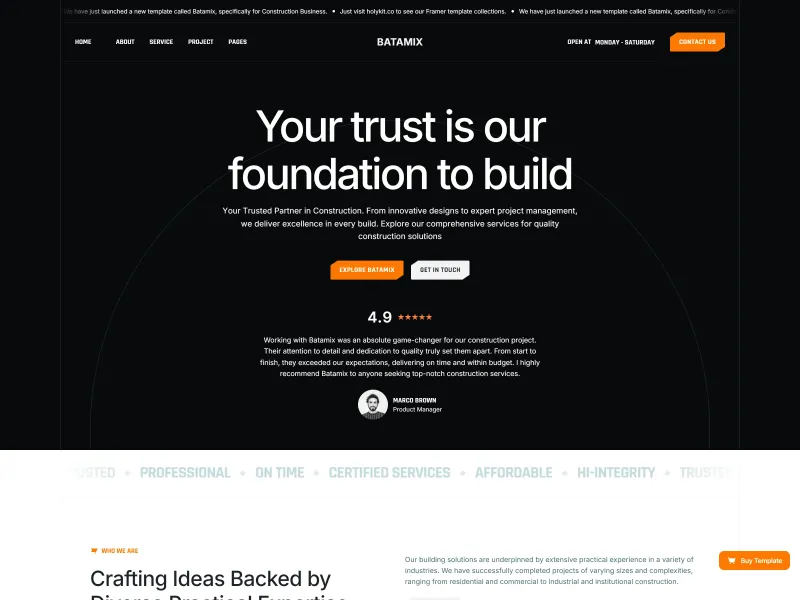
Batamix
Elevate your projects with sleek, responsive design, customizable features, and seamless performance. Perfect for architects, builders, and construction companies aiming for a professional online presence.
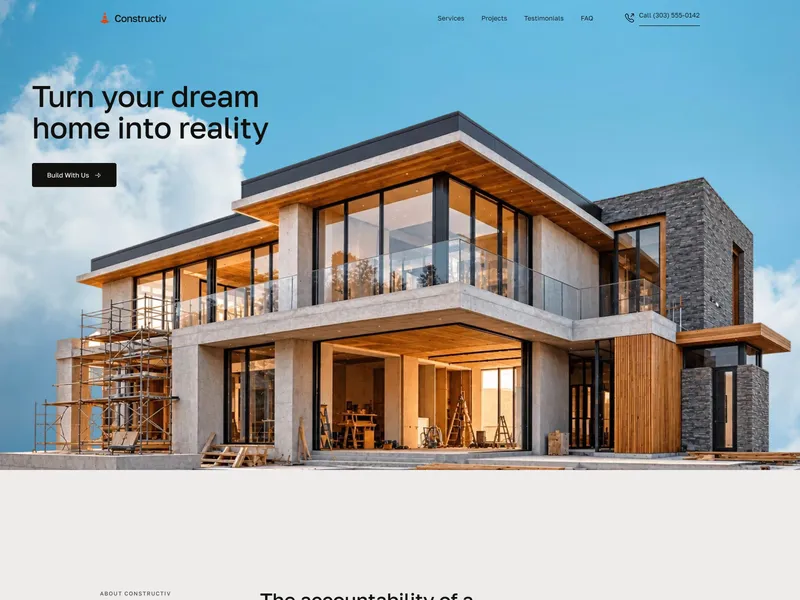
Constructiv
null
More Directory Templates
View all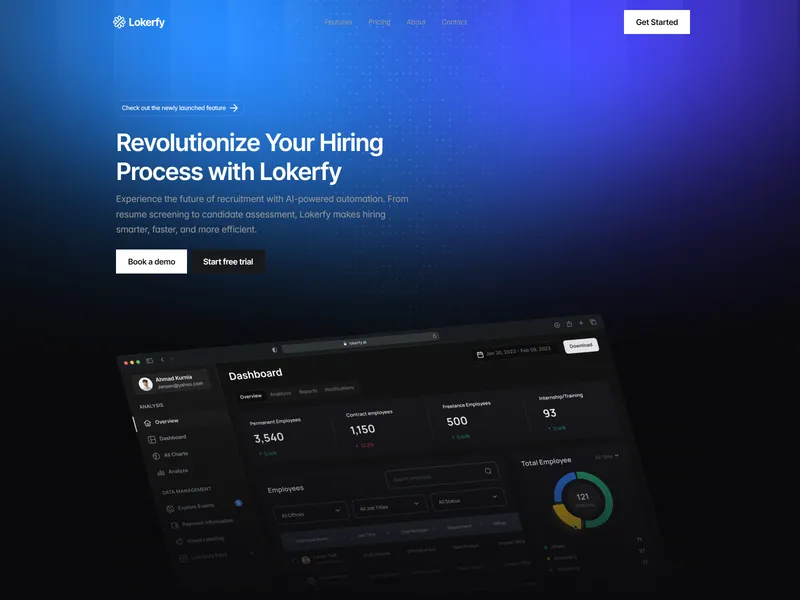
Lokerfy
Lokerfy is a Framer template for companies and recruiters who need an AI-powered career site. It automates candidate scoring, auto-replies, and resume pipelines, combining high-converting landing pages with integrated CMS job listings and Zapier/Make workflows.
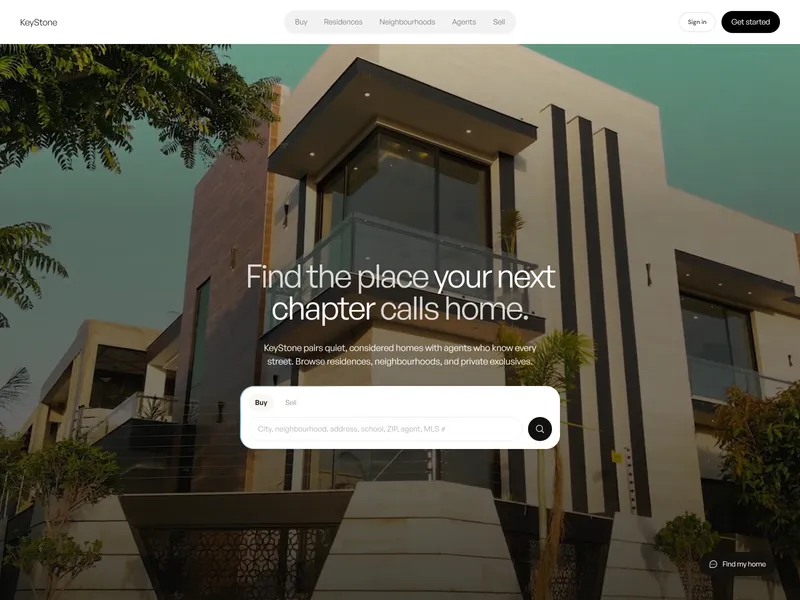
KeyStone Template
KeyStone is a premium Framer template for real estate professionals—brokerages, agents, property managers and developers—offering live property search, CMS-driven content, customizable visuals, and a complete editorial site without coding.
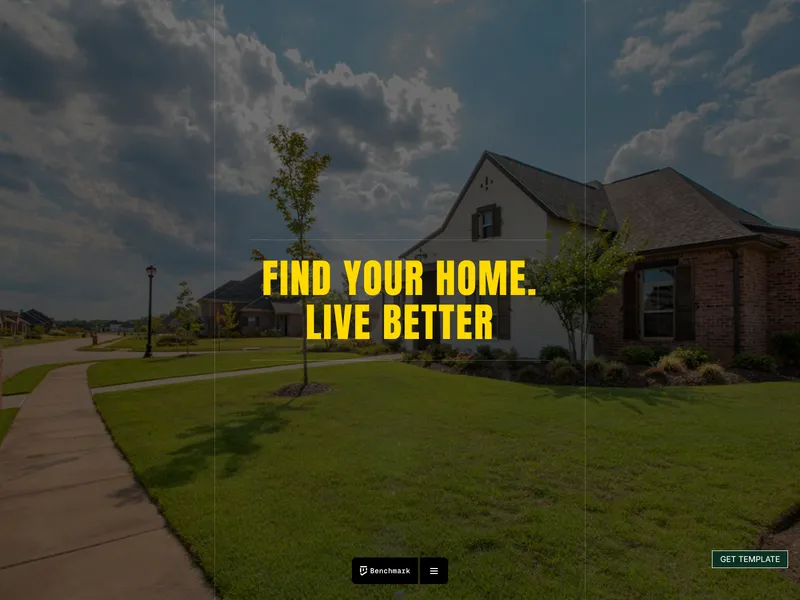
BenchmarkHousing
Benchmark is a premium Framer template for real estate professionals, offering sleek property listings, immersive galleries, intuitive filters, and lead-capture forms to showcase luxury homes and drive high-intent inquiries.
More Modern Templates
View all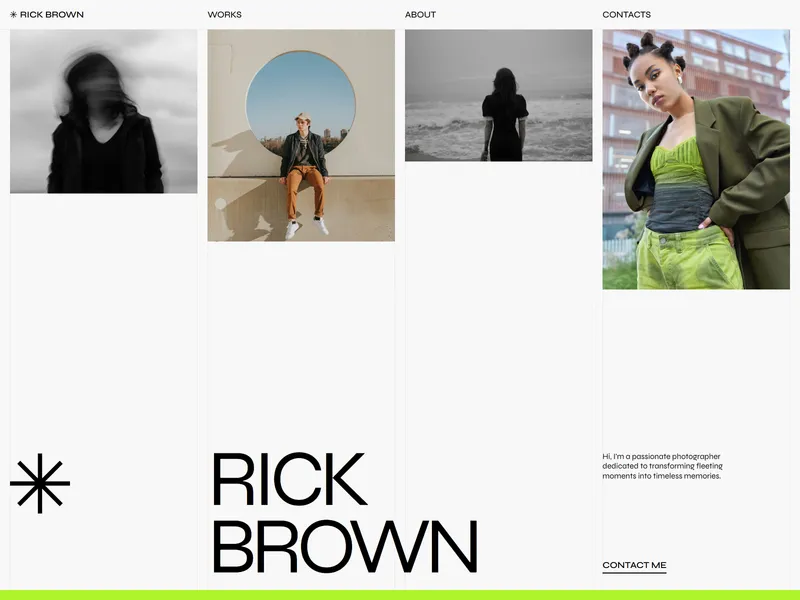
Rick Brown
Show off your shots with the Rick Brown Portfolio Template! Sleek, dynamic, and built for impact, this template transforms your photos into a visual masterpiece with customizable features and seamless navigation.
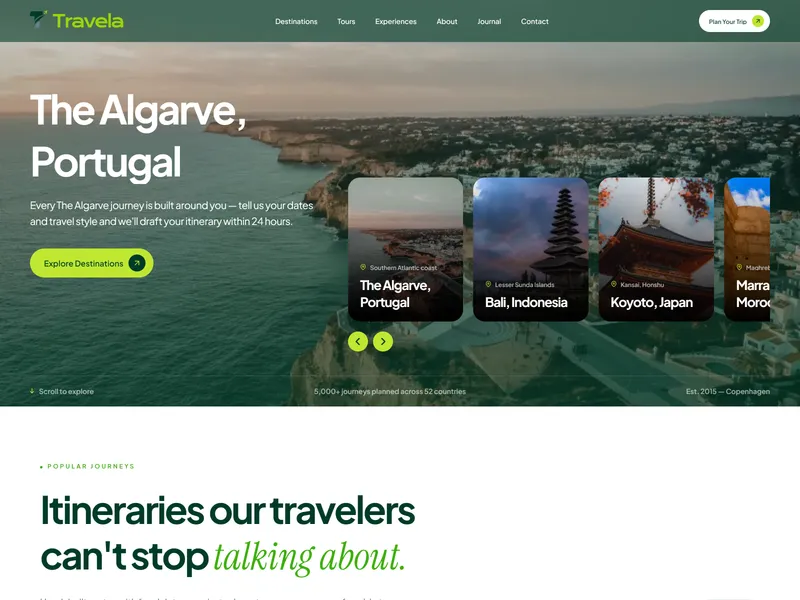
Travela
Travela is a modern Framer template for travel agencies, tour companies, and travel brands to showcase destinations, curated trips, and experiences visually. Its responsive, component-based design streamlines creation of engaging travel websites with clear calls-to-action and flexible layouts.
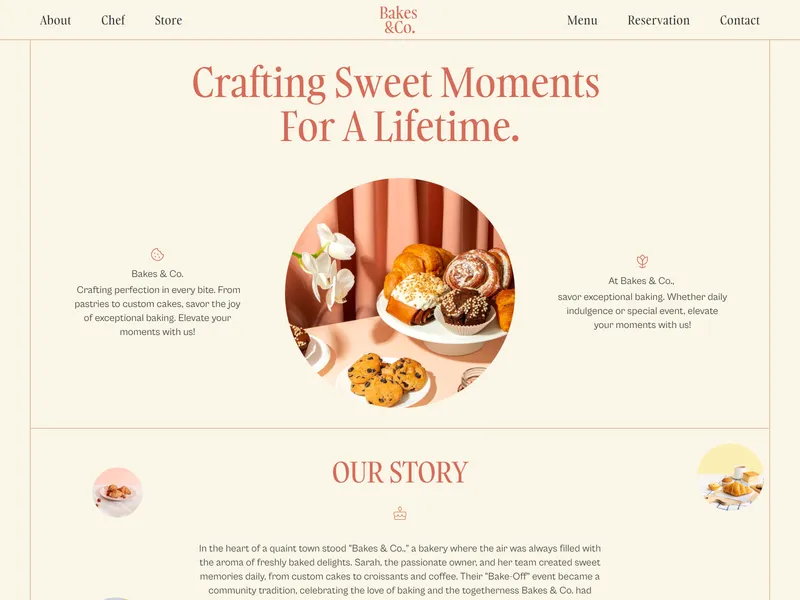
Bakes & Co
Designed for bakeries, cafés, and restaurants, Bakes is a Framer template featuring a minimal, modern grid layout, real culinary content, and custom animations to create a user-friendly, responsive showcase for your food business.
More Minimal Templates
View all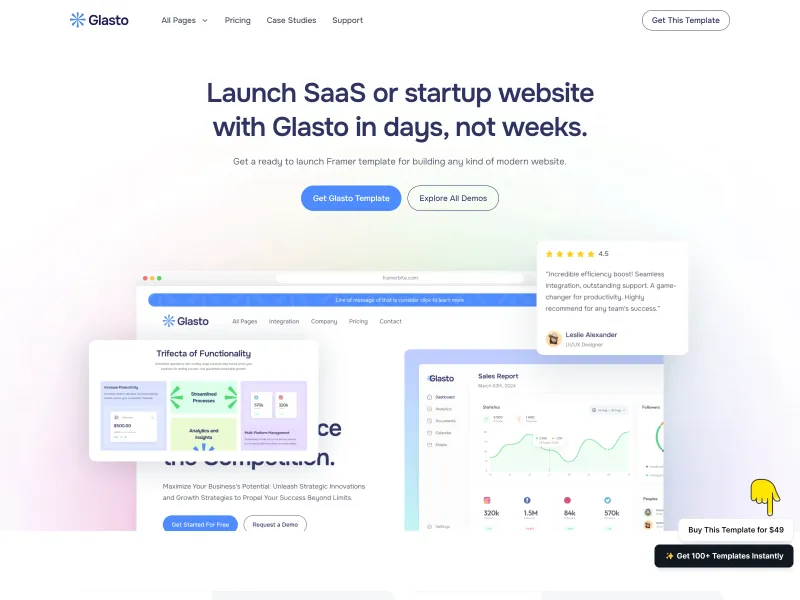
Glasto
Introducing Glasto, an exclusive multi-layout Farmer template designed for SaaS & Startup websites. With its bold and minimal design, Glasto grabs attention and ensures a seamless user experience. Now build a website in days, not weeks!

Umber
Editorial site for design studios — Umber is a premium Portfolio website template for Framer, on the Framer Marketplace. Build on it with Framer's agent, directly on the canvas.
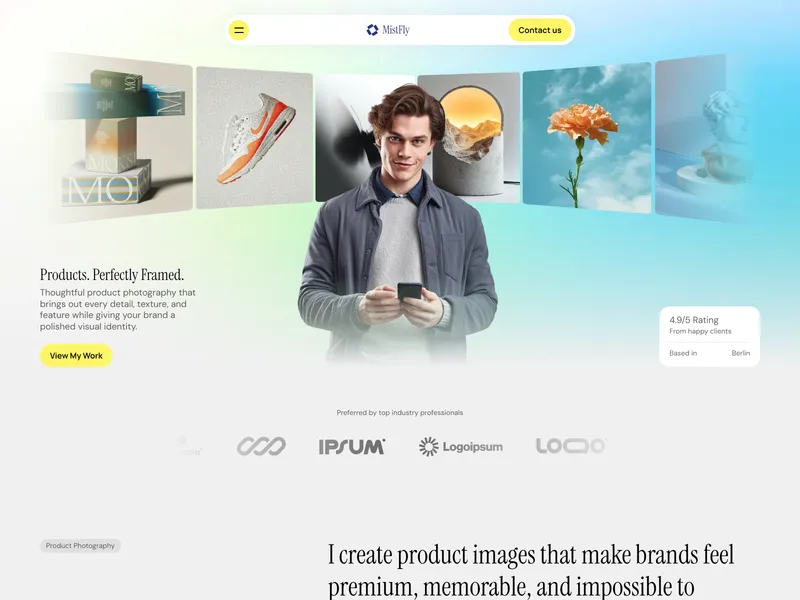
MistFly
MistFly is a clean, image-focused Framer template for product, commercial, and creative photographers. It features an image-led portfolio, service details, testimonials, workflow steps, pricing packages, FAQs, and multiple CTAs to guide clients through the booking process.